Peeky Notes
Role
Design, build and ship
Timeline
2026
Status
Live
Stack
Windows · Desktop · Offline-first
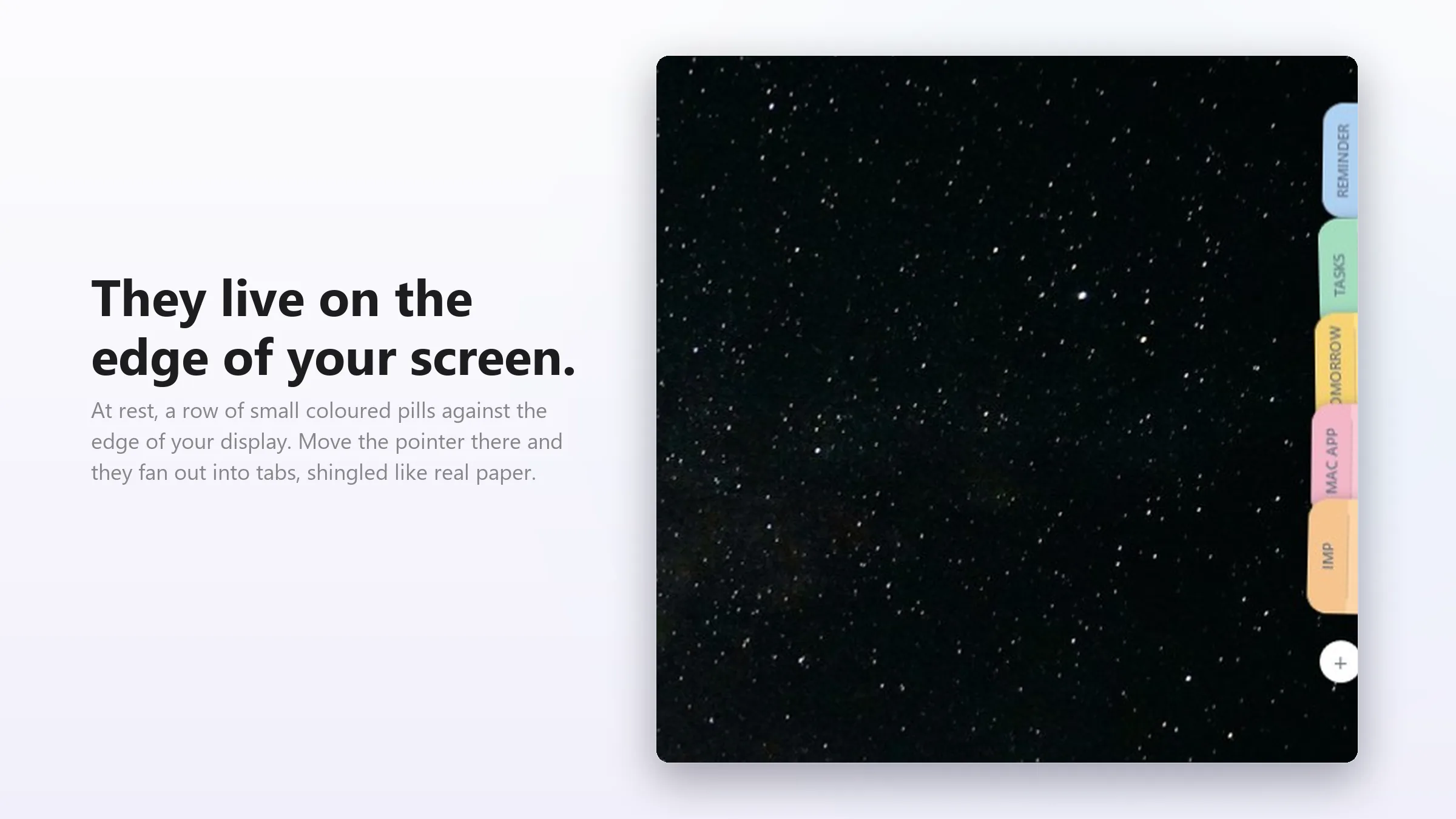
Every notes app wants a window, and a window wants space — which is exactly what you don't have while you're working. Peeky Notes gives up the window. Notes sit as small coloured pills on the edge of the screen, expand when you point at one, and open as a floating panel when you click.
How it works
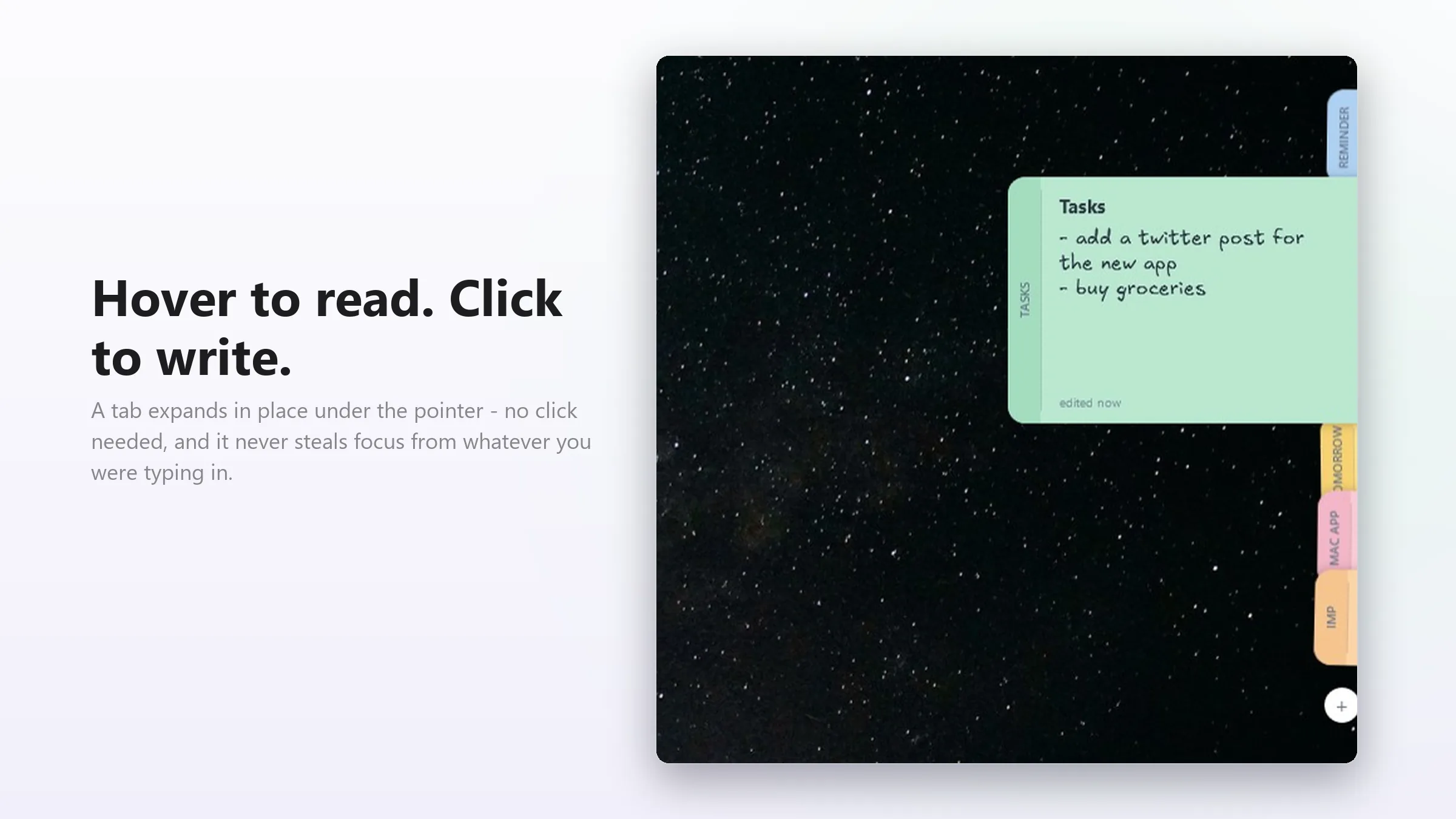
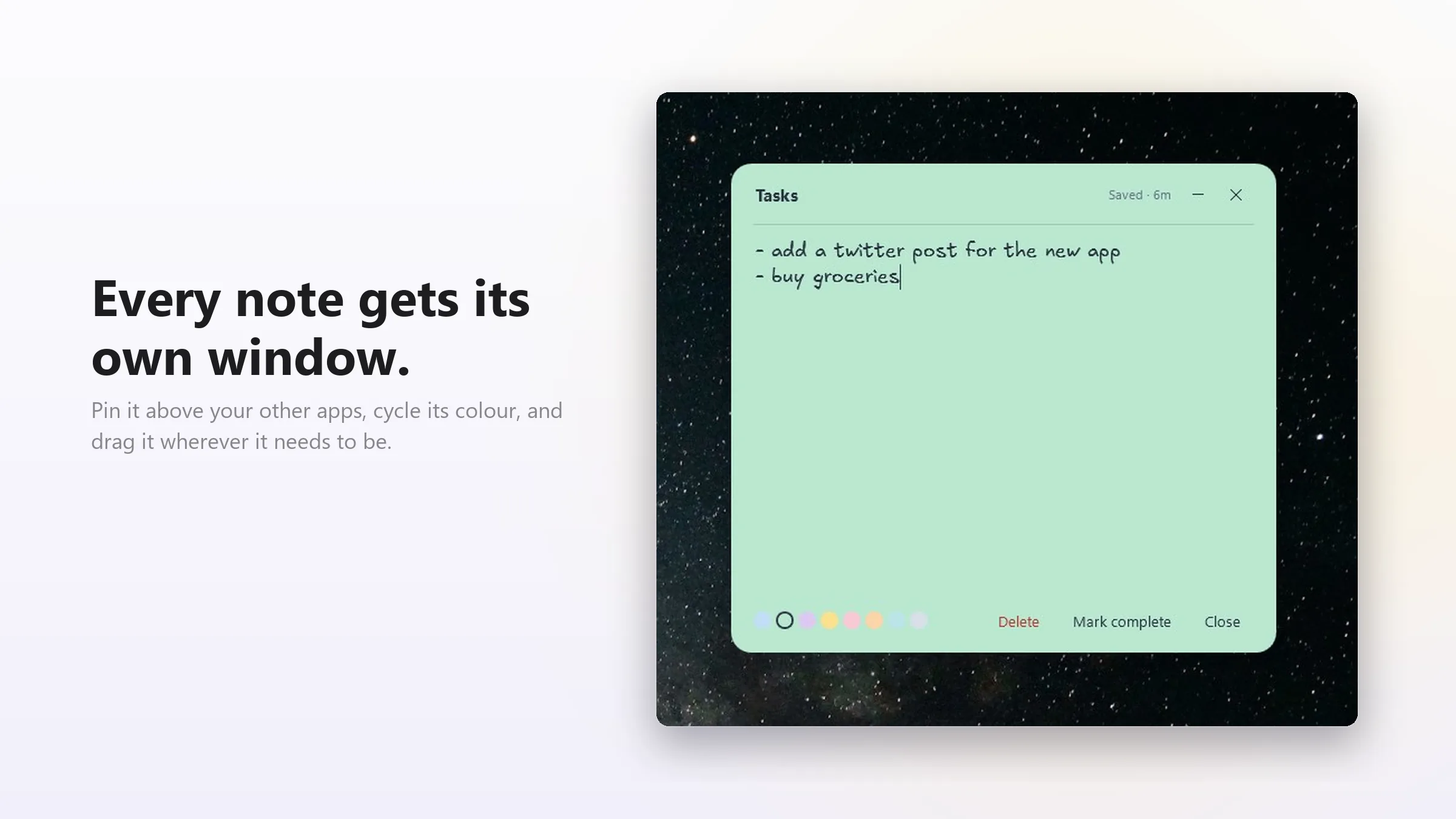
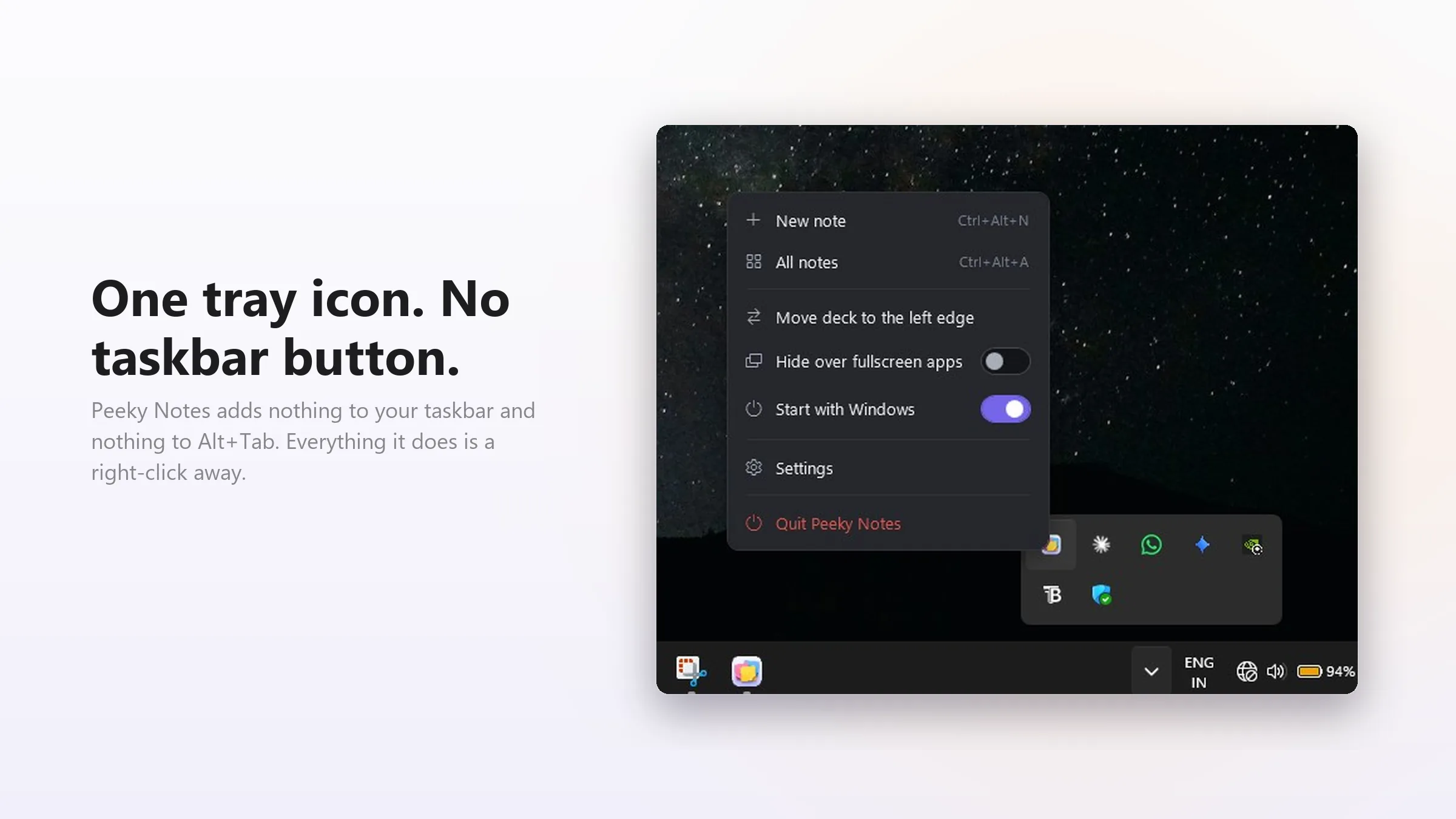
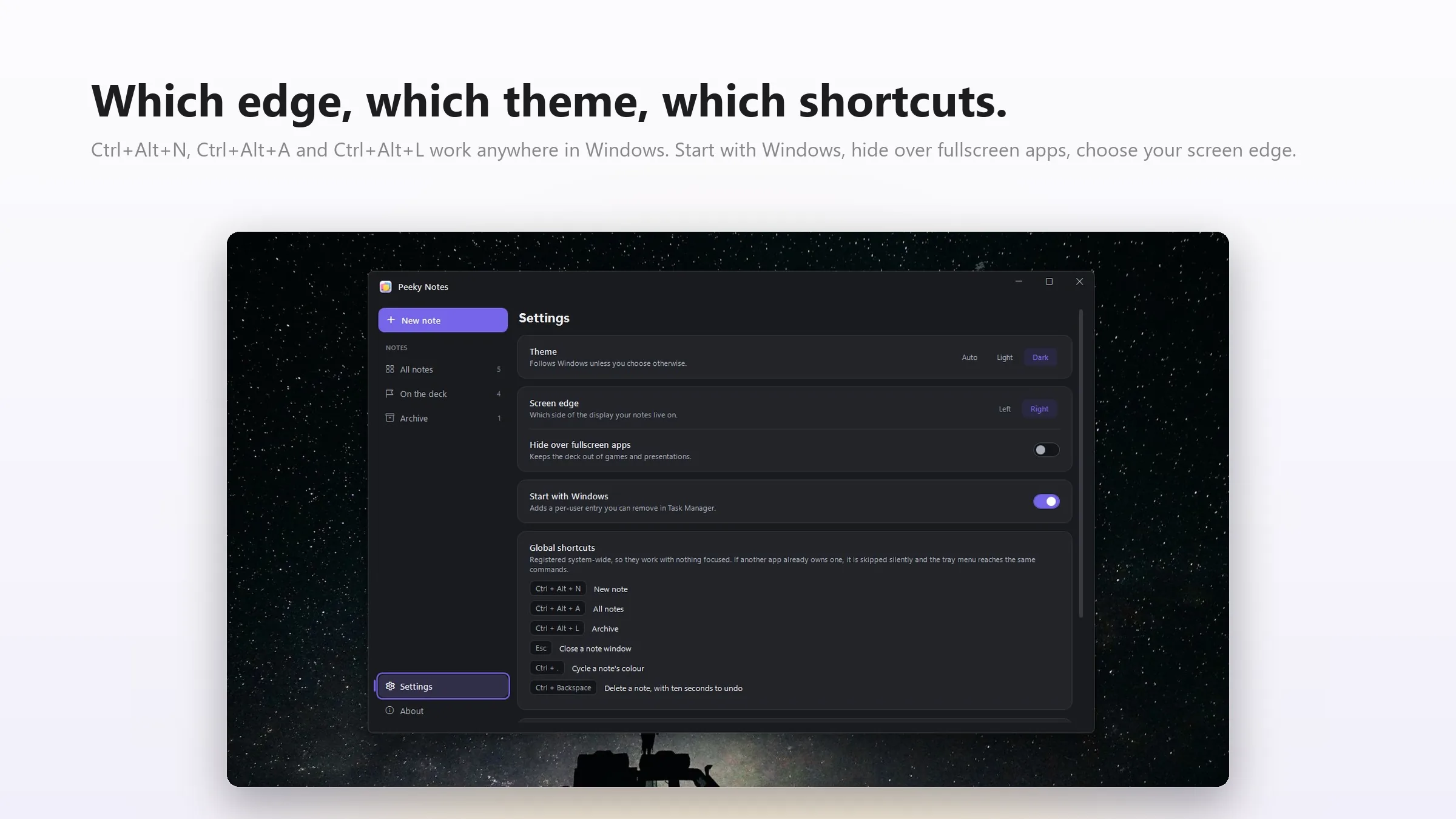
The deck lives at whichever screen edge you park it on. Hover expands a pill enough to read; a click opens the note as a floating window you can drag anywhere. Ctrl+Alt+N starts a new note from any app, Ctrl+Alt+A brings the whole deck forward, and Ctrl+. cycles the eight pastel colours without leaving the keyboard.
Staying out of the way
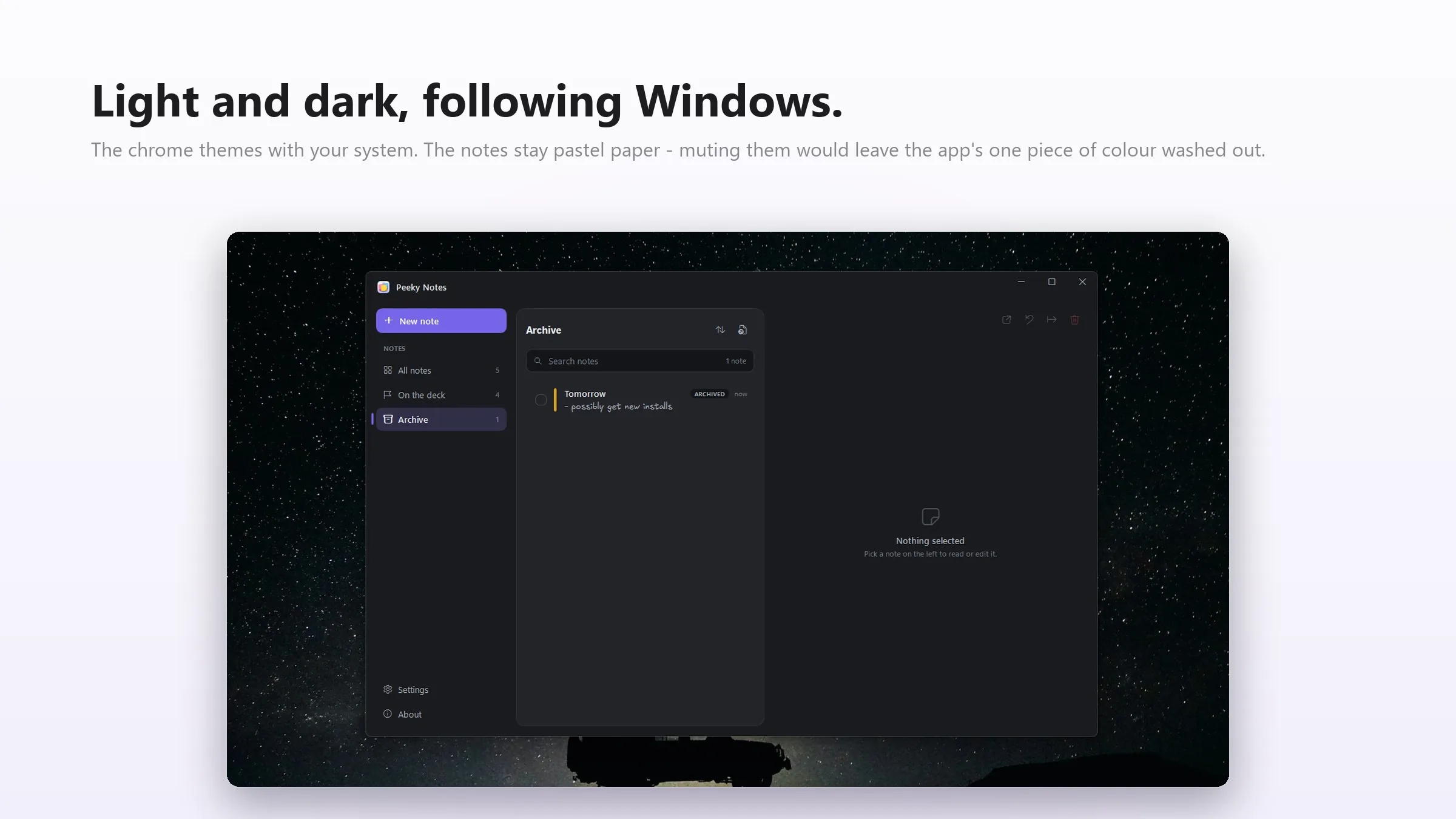
Deleting a note starts a ten-second undo countdown instead of a confirmation dialog — no modal, no decision to make twice. The theme follows the Windows setting rather than asking. And when a fullscreen game takes over, the deck detects it and hides itself until you're back.
Small on purpose
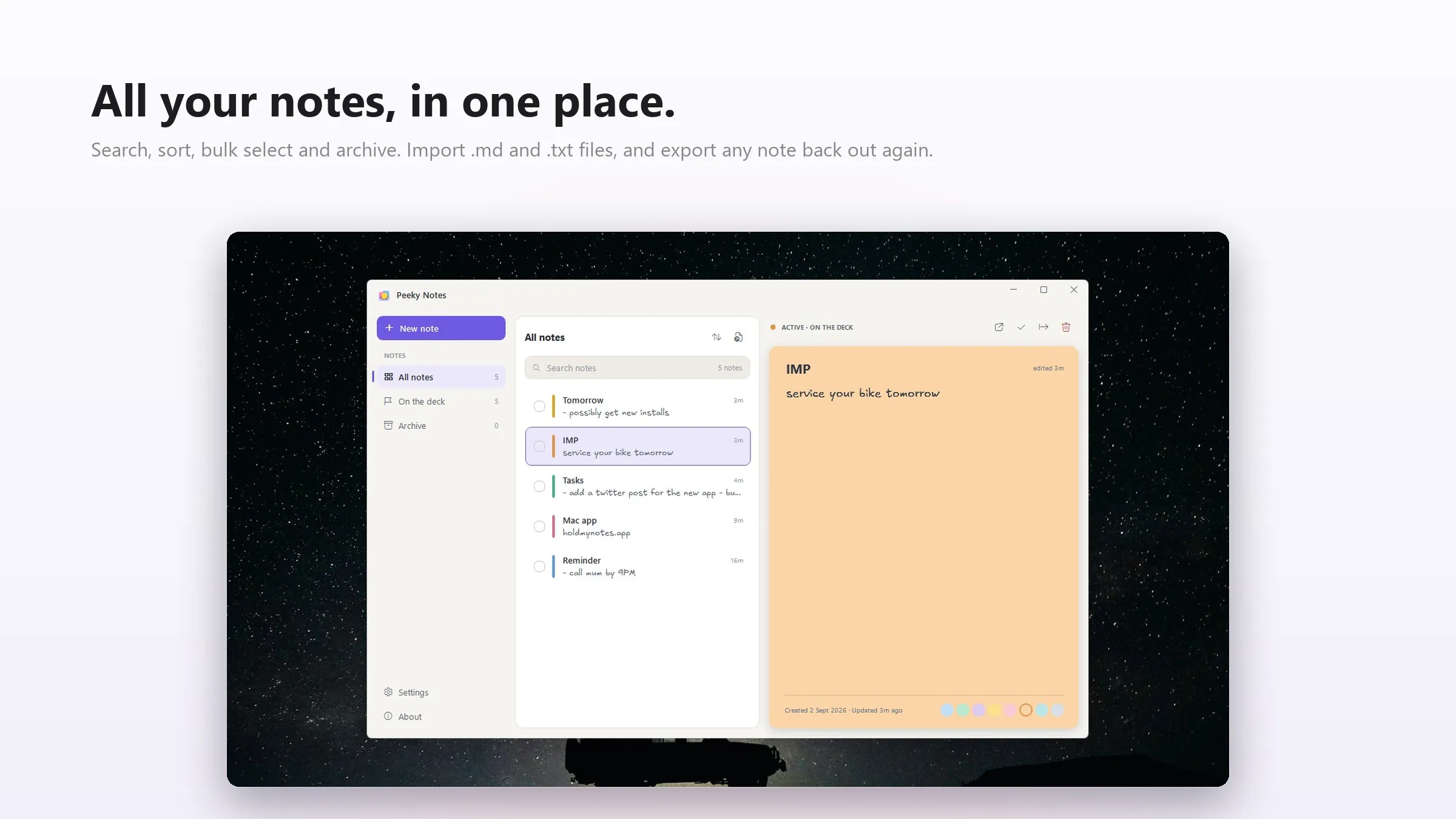
A 1.04 MB executable, about 7 MB of working memory at idle, and no polling timer at all — idle CPU doesn't register. Notes are a single notes.json in AppData, so search, archive, bulk select and Markdown or plain-text import/export all work against a file you can read yourself. Set an environment variable and it runs portable off a USB stick.
Privacy
There is no account, no sync and no network call. Your notes never leave your PC — not as a feature toggle, but because nothing in the app knows how to send them anywhere.